Photo guide
How to pick a horse photo that prints well
The photo you choose decides how your custom piece looks, so it is worth five minutes of scrolling. The good news: the photos that print best are usually the ones you already love — clear, well lit, with the horse filling the frame. This guide covers what to look for and what to avoid, item by item.
Use the original, not a screenshot
Screenshots and photos saved from social apps are often shrunk and compressed. Upload the original from your camera roll instead. When you upload, we read the photo’s size in pixels and tell you immediately if it is too small. A phone photo straight from the camera is almost always fine.
Our uploader also prepares your photo in your browser before sending it: it applies the phone’s rotation so the horse is the right way up, and it removes hidden location data from the file.
Light is everything
Soft daylight — an overcast day, or the hour after sunrise or before sunset — gives the richest coat colour and the most detail. Hard midday sun creates dark shadows under the forelock and around the eyes, and indoor barn light can turn a bay horse muddy brown. If you have a choice between two similar photos, pick the brighter one.
Framing for each item
Phone cases are tall and narrow, so a head shot or a portrait-orientation photo works best; the photo is enlarged to cover the whole back, which trims the sides of wide photos.
Mugs print your photo centred on the side of the mug, so the whole photo is visible. Landscape and square photos both work.
T-shirts, hoodies and totes print your whole photo on the front, scaled to fit. Photos with a clean background look best on fabric.
Blankets and canvases cover the whole surface, so the edges of your photo may be trimmed. Choose a photo with a little space around the horse, and pick a canvas shape (square, portrait or landscape) that matches the photo.
Sharpness and resolution
Zoom in on the eye. If the eyelashes are crisp, the photo is sharp enough. Motion blur from a horse tossing its head or a moving camera will show more on a large blanket than on a mug, so save action shots for smaller items.
Larger items need more pixels. A phone case or mug is happy with a typical phone photo; for a 50×60 inch blanket or a 16×20 canvas, use the largest original you have. The uploader warns you if your photo is on the small side for the item you picked.
Taking a new photo on purpose
If nothing in your camera roll feels right, it is worth ten minutes at the barn. Pick a bright, overcast day or the softer light of late afternoon. Stand the horse on level ground with a plain background — a hedge, a field or a clean stable wall — rather than a cluttered yard. Ask a friend to hold the lead rope and rattle a feed scoop or crinkle a treat bag behind you to get the ears forward.
Crouch a little so the camera is level with the horse’s shoulder or eye; shooting from above makes heads look large and legs short. Take plenty of frames in a burst and choose later. Phone portrait modes are fine, but turn off beauty filters, and avoid zooming digitally — walk closer instead.
A few things to avoid
Heavy filters and beauty modes can make coats look plastic. Text overlays, stickers and watermarks will print exactly as they appear. And please only upload photos you took yourself or have permission to use — professional show photographers usually sell print rights separately.
Made to order with their horse
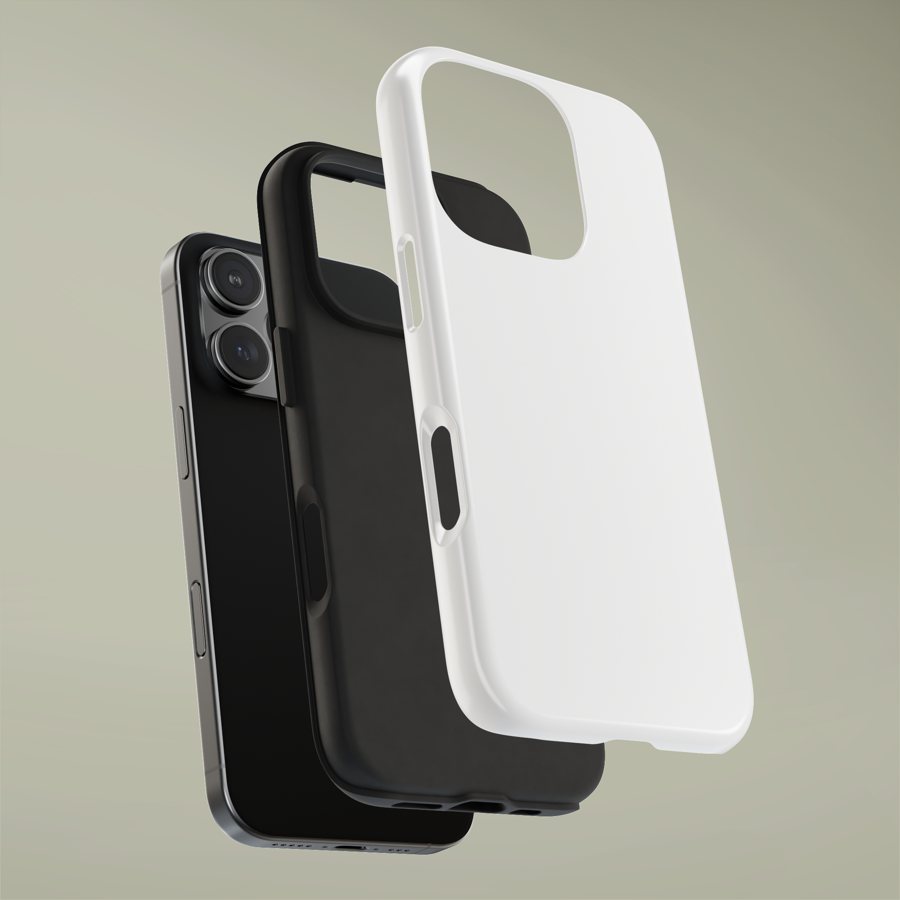 | Tough phone case Good for the rider who has 4,000 horse photos on their phone already | from $24.99 |
|---|---|---|
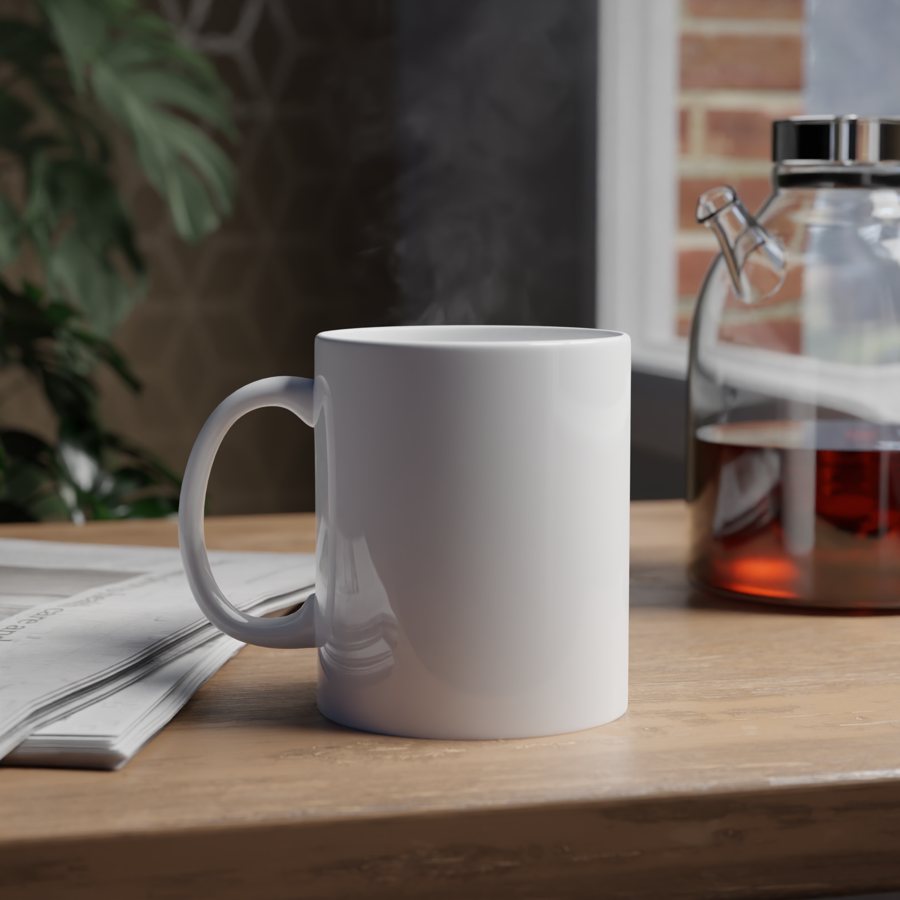 | Ceramic mug Good for early mornings at the barn and desks that need a horse on them | from $19.99 |
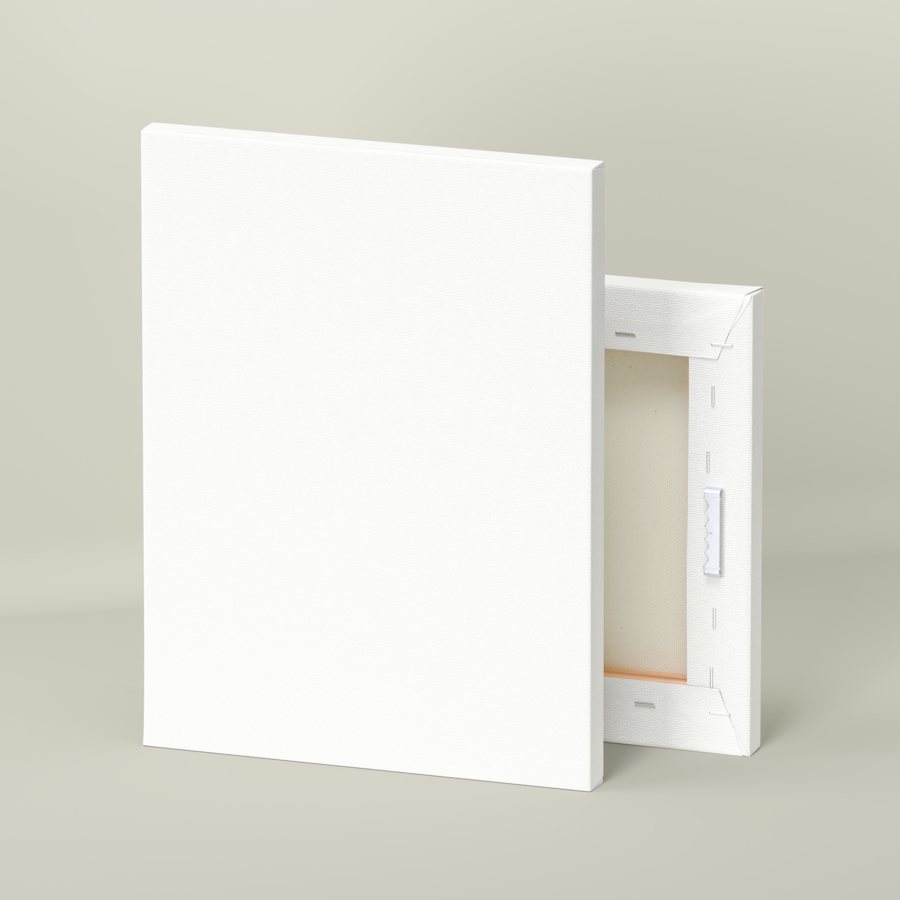 | Stretched canvas Good for the horse who deserves a wall of their own | from $44.99 |
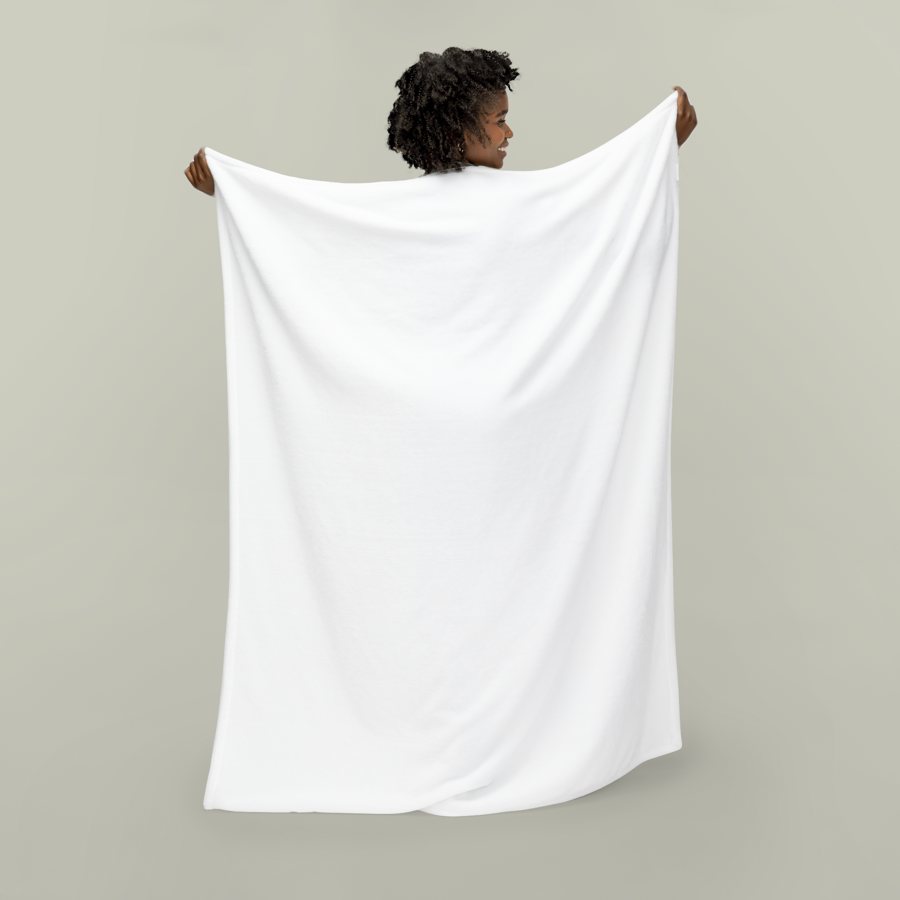 | Velveteen plush blanket Good for the sofa after a long day, and gifts that get used every evening | from $49.99 |
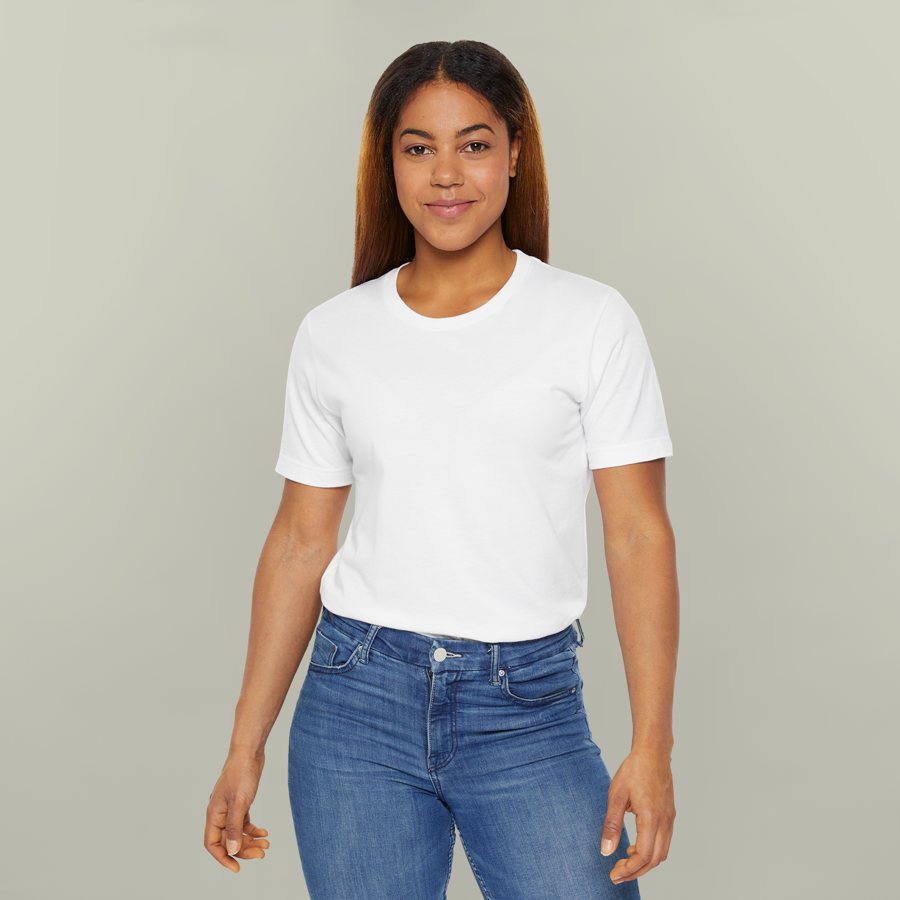 | Unisex jersey tee Good for show days, barn days and everyone in the family cheering from the rail | from $29.99 |
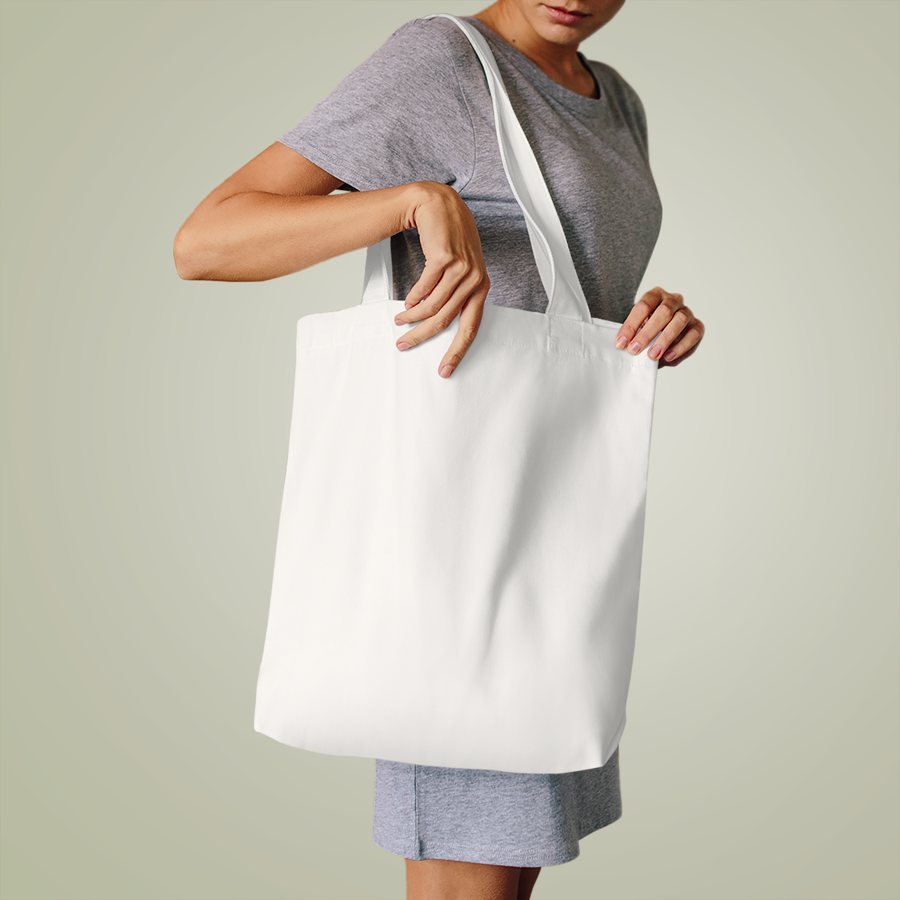 | Cotton tote bag Good for brushes, hoof picks, show numbers and everything else that ends up in the car | from $27.99 |
Not sure which? Try the gift finder, see all gifts for horse people, or start with a photo.
Questions
What file types can I upload?
JPEG or PNG photos up to 15 MB. Most phones save JPEG; on an iPhone, photos are converted to JPEG automatically when you pick them from your library.
Will you edit my photo?
We print your photo as it is, scaled and centred for the item you pick. We do not retouch, cut out or redraw it.
What is the minimum size?
At least 900 pixels on the short side; blankets and canvases need more, and the uploader tells you if your photo is too small for the item you chose.